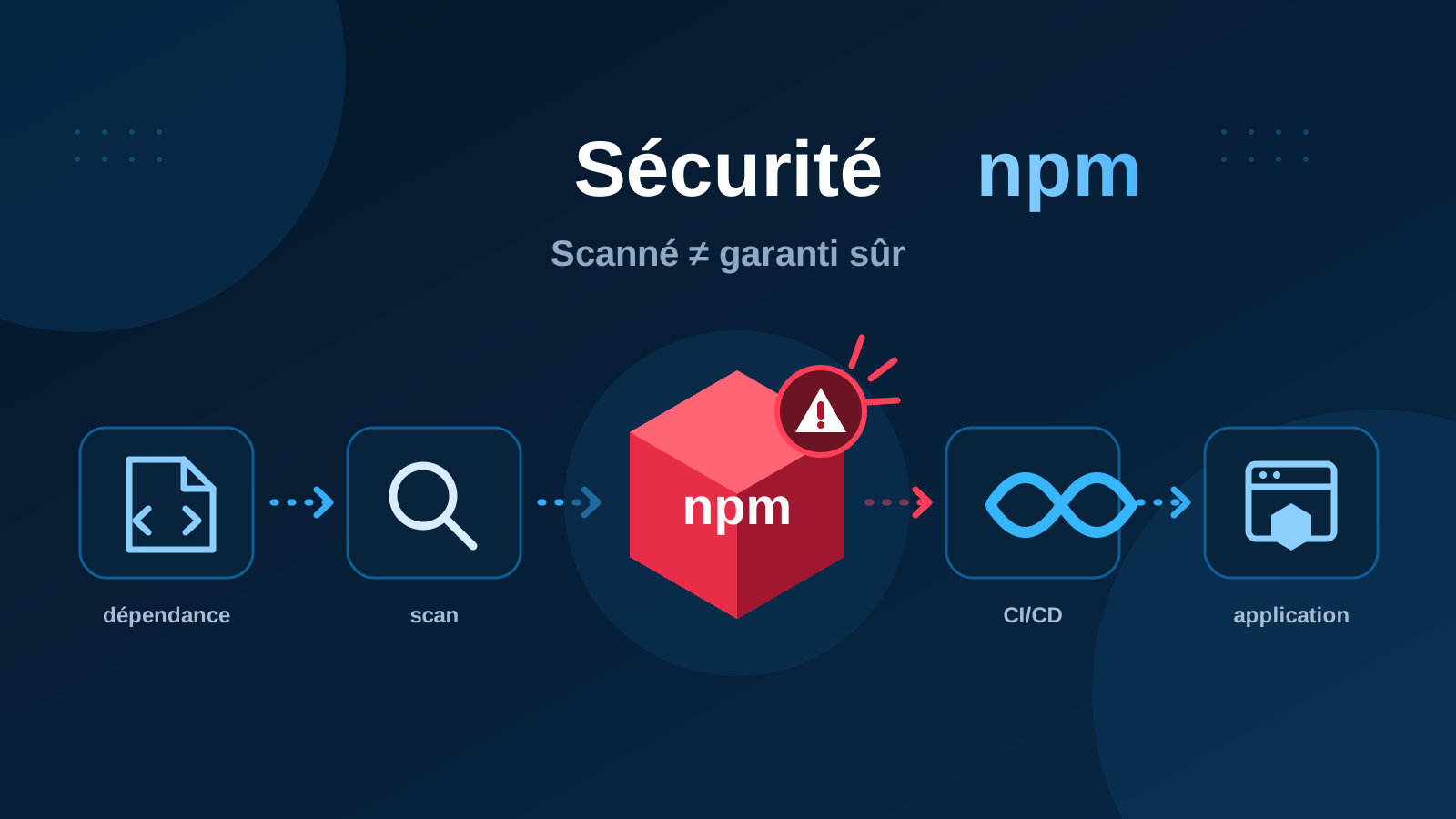
Installing a dependency with npm install has become routine. Yet a package hosted on an official registry is not automatically trustworthy. The recent return of the Shai-Hulud malware is a concrete reminder of that risk.
A known malware payload resurfaces on npm
On September 7, 2026, Aikido Security reported four new npm package versions containing a malicious payload that had already been observed months earlier. It used the same hash as a sample identified on May 19, 2026.
After 111 days without a new detection, Shai-Hulud reappeared in several packages. The incident highlights the limits of automated controls when they are treated as an absolute guarantee.
A safer registry does not replace your own checks
npm's controls are a useful defensive layer. They reduce risk, but they do not prove that a package is safe for your project or environment.
npm now scans packages before publication
Since July 2026, npm has scanned new package publications for malicious behavior. Depending on the result, a package may be published, sent for manual review or blocked.
This is an important improvement, but the return of Shai-Hulud shows that a known payload can still pass through one detection layer. Project security therefore cannot rely on the registry alone.
The real issue: software supply-chain risk
Direct dependencies often pull in many transitive dependencies. If one link is compromised, the impact can reach a developer workstation, a CI/CD pipeline or the final application.
An attacker may compromise a maintainer account, publish a malicious version of a legitimate package, use a look-alike package name, abuse a transitive dependency or execute code during installation.
Pin dependency versions precisely
The package-lock.json file should generally be committed. In automated pipelines, npm ci is preferable to npm install when a lockfile is available: it installs the locked versions and fails if package.json and the lockfile are inconsistent.
Avoid blind dependency updates
Keeping dependencies up to date remains important, especially for security fixes. But automating update detection does not mean automatically accepting every new version.
A reasonable flow remains: detection → review → tests → production. Dependabot and SCA tools can propose and qualify changes; they do not replace project validation.
Review scripts executed during installation
npm packages can run scripts such as preinstall, install or postinstall. Before adding an unfamiliar or sensitive dependency, review its package.json, source repository, recent release history, maintainers and installation scripts.
Limit secrets available to development and CI
A compromised dependency becomes far more dangerous when it runs in an environment exposing GitHub tokens, API keys, cloud credentials or publishing credentials.
Apply least privilege: a job that only runs tests does not need a token capable of publishing an application or changing infrastructure.
Secure your own package publishing process
For projects that publish to npm, trusted publishing with OIDC can reduce reliance on long-lived CI/CD tokens. Combine it with strong authentication, minimal permissions and regular review of publishing workflows.
Practical checklist
- commit and review
package-lock.json; - use
npm ciin automated environments; - route dependency updates through pull requests and tests;
- review installation scripts for sensitive dependencies;
- reduce secrets and permissions available to CI/CD jobs;
- monitor vulnerability alerts and package provenance;
- prefer OIDC and trusted publishing for automated releases.
What to remember
Open source remains essential to modern development. The goal is not to stop using external dependencies, but to stop treating their installation as a risk-free operation.
Trusting a platform never removes the need to control what you integrate into your own system.
Sources
- Aikido Security — Shai-Hulud npm resurfaces
- GitHub Changelog — npm publish-time malware scanning
- GitHub Changelog — npm trusted publishing
- npm Docs — Securing your code
Published September 13, 2026. npm detection and publishing mechanisms may evolve; check the official documentation before changing a pipeline.